On-My-Way Texts and Technician ETA Notifications (2026)
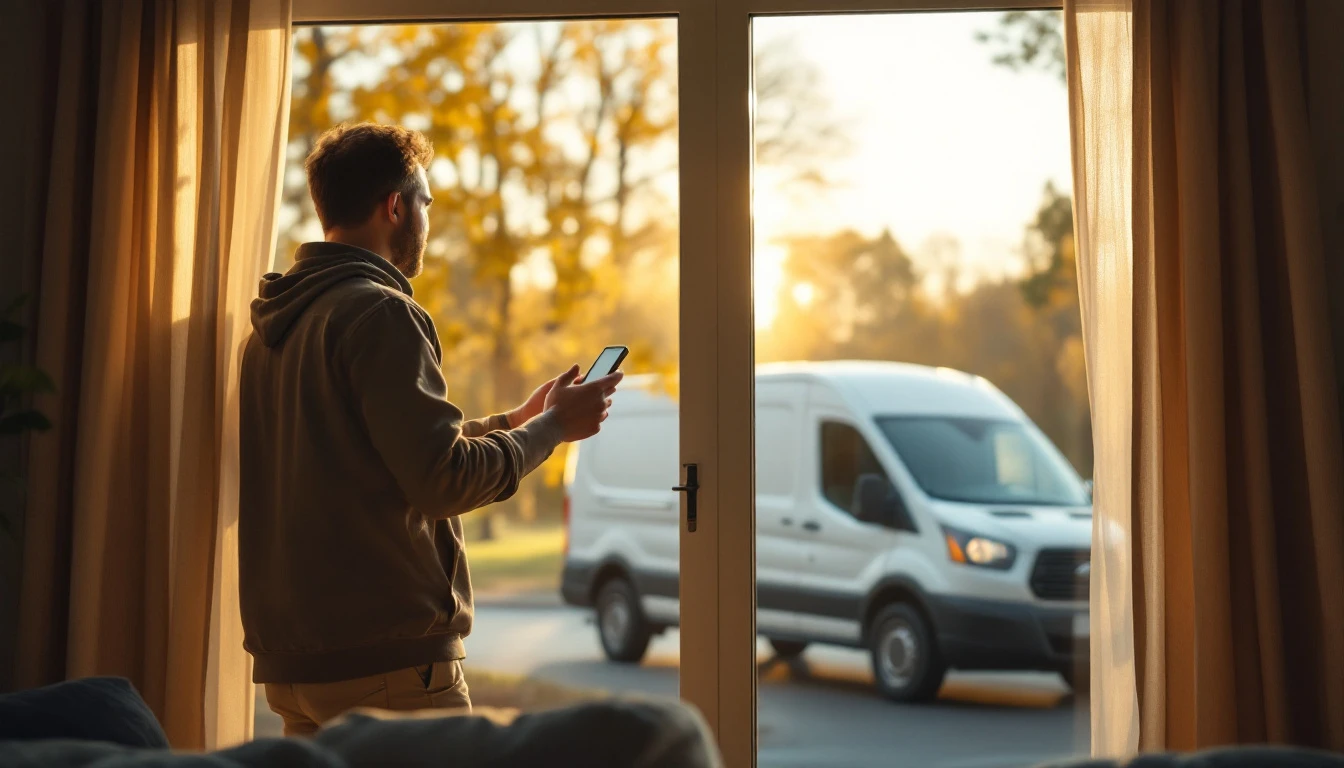
A customer who knows the tech is twenty minutes out is home, has the dog put away, and is not calling your office.

TL;DR
The on-my-way text is one short message: your technician is leaving for the customer's address and will be there at about a certain time. It costs almost nothing to send. It answers the question every waiting customer has, it gets them to the door, and it takes the "where is he" calls off your office phone.
As of October 2026, the version that works has five parts. It goes out when the tech starts driving. It names the person and the company and gives a time. It is triggered by the tech with one tap and written by the software. It is followed by a second message if the tech falls behind. And somebody checks, once a month, whether not-home visits are actually going down.
This is a companion to our guide on arrival time windows, which covers the promise you make at booking. This post is about the message you send on the day.
Reminder, window, ETA: three different messages
Owners often run these together, and the customer ends up with either too many texts or the wrong one at the wrong time. Keep them separate.
- The reminder goes out the day before, and sometimes a couple of hours before. Its job is to make sure the customer remembers the appointment and is planning to be there.
- The arrival window is what you promised at booking, such as between ten and noon. Its job is to let the customer plan their day.
- The on-my-way message goes out when the tech is driving to them. Its job is to turn the window into a time.
A reminder tells the customer the appointment exists. An on-my-way text tells them to stop what they are doing in fifteen minutes. If you only send the first, you are relying on the customer to sit by the window for two hours. Reminder wording is covered separately in appointment reminder text templates.
When to send it
The right moment is when the tech marks the job as en route, meaning the previous job is closed and the wheels are about to turn.
Not at the start of the day. A text at 7:30 a.m. saying the tech is on the way to a job that is fourth on the route is not true, and customers learn quickly to ignore messages that are not true.
Not on arrival. A text that lands as the van pulls up gives the customer no time to do anything.
Three situations need a rule of their own:
- The first job of the day. The tech leaves from home or the shop. Send when they pull out, not when they wake up.
- Very short drives. If the next customer is four minutes away, the en-route text and the knock nearly coincide. That is fine. A short heads-up is still a heads-up, and the customer has had the reminder.
- Long drives. If the drive is over an hour, the on-my-way text is accurate but early. A live link, or a second short text when the tech is close, is worth having here.
What to say
Write it once, as a template, and keep it short. The customer reads it standing in the kitchen or sitting in a meeting.
It needs:
- The technician's first name
- Your company name
- The estimated arrival time
- A tracking link, if you use one
- A way to respond
For example: "Hi (customer first name), this is (tech first name) from (company). I am on my way and should arrive around (ETA). Track my arrival here: (link). Reply to this text if anything has changed."
That example is ours, written for illustration. Adapt the wording to your trade and your voice.
Leave out:
- Promotions and upsells. This is the wrong moment.
- Long preparation lists. Put those in the reminder the day before.
- Anything that makes it sound automated and unanswerable. If the customer can reply, say so.
One practical addition for some trades: a single line of preparation that only matters now, such as asking them to secure pets or clear the driveway. One line, not five.
In GetTimePad, the en-route notification goes by SMS or email with the technician's name, photo, and live ETA, and message templates support variables such as the customer's name and appointment time, so you write it once.
Three levels of arrival information
| Level | What the customer gets | What it takes | Where it falls short |
|---|---|---|---|
| Arrival window only | A two-to-four hour range given at booking | Nothing on the day | Customer waits blind and calls the office |
| On-my-way text with ETA | A message when the tech leaves, with an arrival time | Tech marks the job en route | A delay after sending is invisible unless you send again |
| On-my-way text with live tracking link | The message plus a map that updates as the tech drives | Live location from the tech or vehicle | Needs location sharing set up and explained to the team |
Most shops should aim for the second row as the minimum and the third where the plan and the team allow it. The first row is where the all-day wait and the missed knock come from.
How the ETA gets calculated
A human guess at drive time is usually optimistic. Techs think in terms of the best run they have ever had on that road.
A traffic-aware ETA is calculated from the tech's current position, the customer's address, and current traffic. It will not always be right, but it is wrong in both directions instead of always in the same one, and customers forgive a tech who shows up five minutes early.
GetTimePad's dispatch features calculate arrival time from current traffic conditions and send it to the customer. The live tracking link, which is optional on the en-route message, lets the customer watch the approach on a map. Live location comes with GPS tracking on the Pro plan, and vehicles can carry the optional GPS device so position does not depend on a phone.
Who presses the button
There are three ways the message can be triggered, and they are not equally reliable.
The tech types a text. This is where most small shops start. It is free and it fails constantly: the tech forgets, uses a personal number the customer cannot call back later, or writes something different every time.
The office sends it. The dispatcher texts each customer when a tech radios in. This is consistent in wording and falls apart when the office is busy, which is exactly when jobs are running late.
The tech taps a status, the software sends. The tech opens the job on their phone and marks it en route. That one tap sends the templated message, with the ETA filled in, from the business number. Nobody composes anything.
The third is the one to build toward. In GetTimePad, Tech Mode on the Pro plan gives technicians one-tap status updates for en route, arrived, in progress, and completed. The en-route tap is the trigger.
Getting technicians to tap consistently is a habit problem, not a software problem. Three things help:
- Make the tap the same motion as opening navigation, so it happens at the natural moment.
- Explain what it does for them: fewer locked doors, fewer wasted drives, fewer angry customers at the start of a job.
- Check it. Look at yesterday's jobs once a week and see which ones never had an en-route status.
If you are adding live location for the first time, tell the team what is tracked and why before you switch it on. Our guide to introducing a GPS tracking policy covers that conversation.
When the tech is running late
The on-my-way message makes a promise. Sooner or later a job runs over, a part is wrong, or traffic stops, and the promise is going to be missed. What you do in the next ten minutes decides whether the customer is annoyed or gone.
There are two kinds of late, and they need different messages.
Late before leaving. The previous job is running over and the tech has not sent an on-my-way yet. The window is at risk. The office, or the tech, should message the customer before the window ends: the earlier visit is taking longer than planned, the new expected arrival is a specific time, and here is how to reschedule if that does not work.
Late after leaving. The on-my-way went out with one time and the drive is now going to take longer. A live tracking link covers this on its own, because the customer can see the delay. Without a link, send a second short text with the new time.
Rules that hold in both cases:
- Tell them first. A customer who hears about the delay from you is patient. A customer who has to call to find out is not.
- Give a time, not "running a bit behind."
- Offer an exit. Some customers have a hard stop, and letting them rebook is better than arriving to an empty house.
- Do it from the business number so the reply reaches the office. Two-way SMS on the Pro plan keeps the thread with the customer record.
Decide in advance who owns this. A simple rule: if a job goes past its scheduled end by more than a set number of minutes, the tech tells the office, and the office contacts the next customer.
Measure whether it is working
The point of all this is fewer wasted trips and fewer interruptions. Count both.
Not-home visits. Every time a tech arrives and nobody answers, record it on the job with a consistent note or tag. Count them per month, and compare the months before and after you started sending on-my-way messages. Look at the count as a share of total visits so a busy month does not fool you.
Where-is-my-tech calls. Ask whoever answers the phone to keep a tally for two weeks before the change and two weeks after.
Messages sent versus jobs done. If, for example, you ran 200 jobs and only 120 had an en-route status, the problem is adoption, and the not-home number will not move much until that is fixed.
Late arrivals without a warning. Jobs where the tech arrived after the window and no delay message went out. This is the number that predicts complaints.
Do not expect the message to remove every empty driveway. Some customers forget regardless, and for those you need a clear policy on waiting and trip charges, which we cover in customer not home policy. The message reduces how often you need the policy.
Putting it in place this week
- Write the on-my-way template. Read it out loud. Cut it by a third.
- Write the two late templates: late before leaving, late after leaving.
- Decide the trigger. If your team has a mobile app with status buttons, use the en-route tap. If not, the office sends it for now.
- Tell the techs what the message does and when to trigger it.
- Start counting not-home visits today, so you have a baseline.
- Review after thirty days.
If the day-before reminder is not in place yet, set that up first with automated reminders, which are included from the Starter plan. The reminder gets the customer to plan on being home. The on-my-way text gets them to the door.
Frequently asked questions
When should a technician send an on-my-way text?
Send it at the moment the technician starts driving to that customer, not earlier in the day and not on arrival. That is the point at which the arrival time is real, because the previous job is finished and the only unknown left is the drive. A message sent before then is a reminder, not an ETA.
What should an on-my-way text say?
It should say who is coming, from which company, and when they will arrive, in one or two short sentences. Add the tracking link if you use one and a way to reply. Leave out marketing, upsells, and long instructions, because the customer reads this message in a few seconds while doing something else.
Is a live ETA better than an arrival window?
They do different jobs, so most businesses should use both. The arrival window is the promise you make at booking, when you cannot know the day's traffic or how earlier jobs will run. The live ETA is the update you send once the technician is driving, and it is what the customer actually plans around.
How much does GetTimePad cost?
GetTimePad is $79/mo Starter for one staff member, $199/mo Pro for up to five staff, and $499/mo Agency for unlimited staff. Scheduling, online booking, and automated reminders start at Starter, while Tech Mode, live GPS, and two-way SMS land at Pro. Annual billing gives you two months free. See /pricing.
What should I do when a technician is running late?
Tell the customer before the window closes, give a new specific time, and offer a way out. A short message from the office or the technician as soon as the delay is known keeps most appointments alive, while silence followed by a late arrival is what produces complaints, cancellations, and empty driveways.
Should the technician or the software send the on-my-way message?
Let the technician trigger it with one tap and let the software write and send it. The technician knows the exact moment they are leaving, and the software knows the customer's number, the template, and the drive time. Asking technicians to type their own texts produces inconsistent wording and skipped messages.
Related articles
Arrival Time Windows: How Wide to Promise and How to Keep Them in 2026
2026 guide to arrival windows: choosing a width you can resource, why late slots need wider windows, and measuring compliance from real timestamps.
Read article →
Two-Way Texting for Service Businesses: The 2026 Playbook
2026 guide to two-way texting for service businesses: confirmations, en-route texts, reschedule-by-text, FTC consent rules, and one CRM thread per customer.
Read article →

Customer Not Home — Trip Charge Policy for 2026
2026 guide to the customer-not-home trip charge — the prevention stack, a wait-time rule, where to disclose the fee, documentation, and when to waive it.
Read article →
Ready to try GetTimePad?
Live demo available. No signup required. Set up in under 5 minutes.
Try Live Demo