Invoicing and Getting Paid Faster: A Field-Service Guide (2026)
The job is finished. The real question is how long until the money actually lands — and how much of your week you spend chasing it.

TL;DR
As of July 2026, the slowest part of most field-service businesses isn't the work — it's the wait between finishing a job and seeing the money. This guide walks through the four moves that shorten that gap: collecting a deposit at booking, taking card payment in the field, sending text-to-pay links for balances, and tying every payment to the appointment so nothing slips. It also draws an honest line: GetTimePad speeds up getting paid, but it is scheduling-and-payments software, not accounting software. Here's how to use it to stop chasing checks.
The problem isn't the price — it's the wait
Most service owners obsess over what to charge. Fewer think hard about when the money actually arrives, and that's where cash quietly bleeds out.
Picture the classic flow: you do the job, hand over a paper invoice or promise to "send one over," pack up, and drive to the next stop. That invoice sits. Maybe the customer means to pay it. Maybe they misplace it. Maybe they're waiting for a check to clear, or they're just not thinking about it because nothing is forcing the issue. A week later you're the one who has to call, feel awkward, and ask for your own money.
Multiply that by every job in a month and you've built yourself a second unpaid job: accounts receivable. It's time you don't bill for, stress you don't need, and cash you've earned but can't spend. The fix isn't charging more. It's collapsing the distance between "work done" and "money in the bank."
Move 1: collect a deposit at booking
The best time to collect money is before you've spent a dime of your own on the job — at the moment of booking. A deposit does three things at once:
- It filters serious customers from tire-kickers. Someone willing to put money down is someone who intends to be there when your truck arrives.
- It protects you against no-shows. A booked job with skin in the game is a job that actually happens. This is well-covered ground — see how appointment deposits reduce no-shows for the mechanics — but the payment upside is just as real as the no-show upside.
- It gets part of the job paid before you start. Even a modest deposit means the transaction is underway before your first minute of labor.
Deposits also reset the relationship. When a customer pays something at booking, they've mentally filed you as a business they're paying, not a favor they'll settle up "whenever." That framing pays off at the end of the job, when the balance is due.
The practical version: when a customer books online or over the phone, they're prompted for a deposit as part of confirming the slot. No separate invoice, no follow-up. The money and the appointment are captured in the same step.
Move 2: take the payment in the field
The single biggest lever on getting paid faster is collecting the balance before you leave the driveway. The customer is standing right there, the work is fresh and obviously done, and their card is in their pocket. That is the highest-intent moment you will ever get. Every hour that passes after you drive away, the odds and the speed of payment drop.
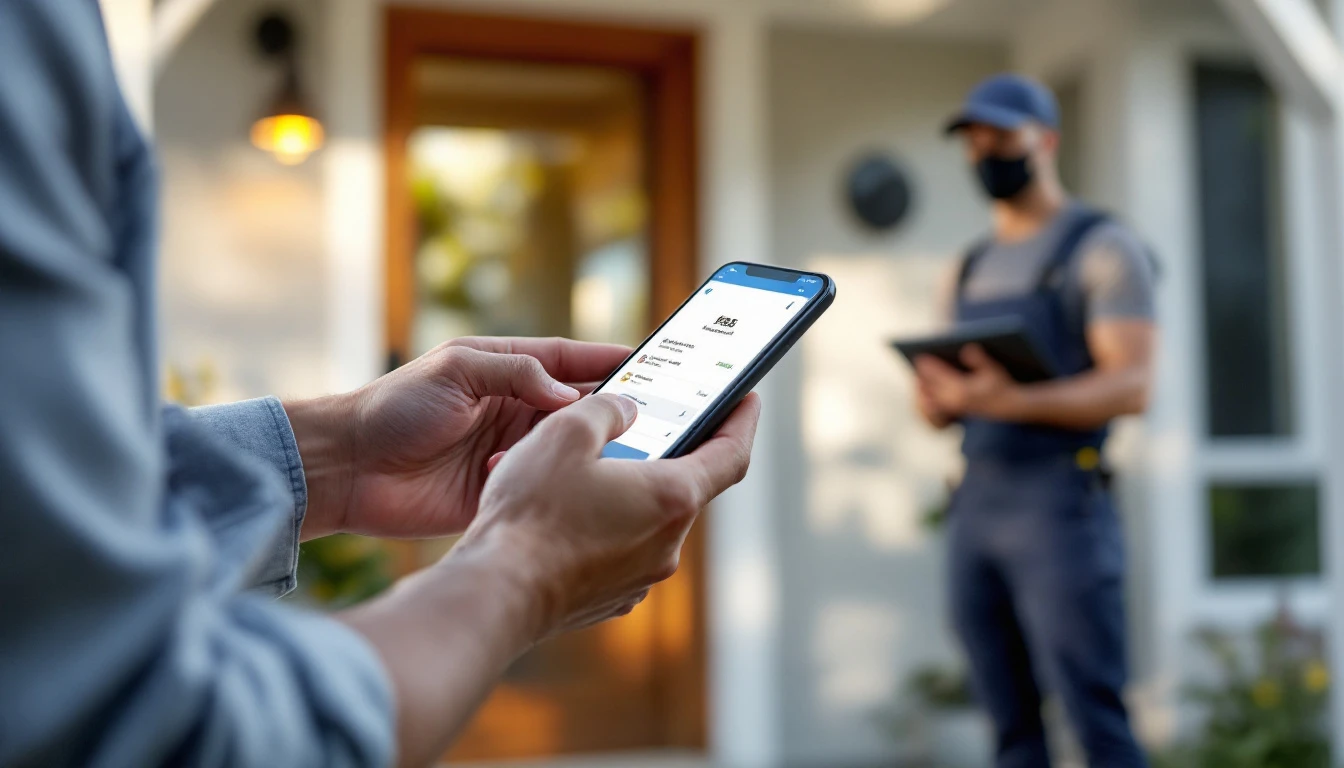
In-field payment means your tech can run a card — tap, chip, or manual — on a phone or tablet the moment the job is finished, and mark the appointment paid on the spot. No "I'll mail the invoice." No trip back. No check to deposit. The money moves while you're still on-site.
This is also where the paper trail cleans itself up. Because the payment is attached to the appointment, the record shows what was booked, what was done, and what was paid, in one place. You're not matching a mailed check to a job three weeks later trying to remember which Johnson on Elm Street it was.
Move 3: text-to-pay for everything else
Some payments can't happen face to face. The customer wasn't home. There's a balance after a parts order. A commercial client needs to route it through their own person. For all of those, the answer is text-to-pay.
Text-to-pay sends a secure payment link straight to the customer's phone. They tap it, enter a card, and they're done — from wherever they are, in under a minute. Compare that to mailing an invoice and waiting on a check:
- A texted link gets opened. A mailed invoice gets set on the counter.
- A phone payment takes seconds. A check takes a trip to the mailbox, then a trip to your bank.
- A link can go out the instant the job closes. An invoice waits for you to sit down and generate it.
The behavioral point is simple: people pay what's easy and immediate. A link on the phone they're already holding is the easiest possible ask. When you do need to nudge, two-way texting lets you follow up in the same thread instead of playing phone tag — a short, friendly "here's your link again" beats another awkward voicemail.
Move 4: tie the money to the job
Deposits, in-field payments, and text-to-pay each help on their own. They compound when they're all attached to the appointment rather than floating in a separate billing app.
When payment is tied to the job:
- The calendar knows what's paid, partially paid, and outstanding — at a glance.
- A deposit collected at booking, a balance run in the field, and a text-to-pay link for the remainder all roll up under one customer and one job.
- Reminders and confirmations that already go out for the appointment can carry the payment ask, so getting paid rides along with getting the job done.
This is the difference between running payments as an afterthought and running them as part of the workflow. On a connected smart calendar, the booking, the reminders, the dispatch, and the money are the same record. For teams running trucks, that same record flows into dispatch and routing — the job that got a deposit at booking is the same job on today's route, and it closes out paid instead of pending. You can see the whole flow on the product tour.
An honest limit: this is not accounting software
Here's where a lot of "get paid faster" pitches oversell, so let's be straight.
GetTimePad is scheduling and payments software. It books the job, tracks the appointment, collects the deposit, runs the card in the field, sends the text-to-pay link, and ties all of that to the work. What it is not is a bookkeeping ledger. It does not replace accounting software, and it does not replace your accountant.
Reconciliation, categorizing expenses, payroll, sales-tax filing, financial statements, year-end taxes — that's the job of accounting software and a professional, and you should keep doing it there. Think of the split this way: GetTimePad's job is to make sure the money arrives quickly and cleanly, tied to the work. Your accounting tool's job is to make sense of that money for the books. They're complementary, not competing.
For general guidance on managing the money side of a business, the U.S. Small Business Administration's business guide is a solid, vendor-neutral starting point. Use software for the parts it's genuinely good at, and don't ask a scheduling tool to be your ledger.
Old way vs. paid-faster way
| Traditional invoicing | Deposit + in-field + text-to-pay | |
|---|---|---|
| When money first arrives | After the job, once invoice is paid | At booking (deposit) |
| Balance collected | Days later, if the invoice gets paid | On-site, before you leave |
| Payment method | Check or "I'll send it" | Card in field, or texted link |
| Time spent chasing | High — calls, re-sends, follow-ups | Low — few open balances remain |
| Record of what's paid | Separate invoice, matched later | Attached to the appointment |
| Effect on no-shows | None | Deposit filters and commits customers |
| Replaces your accountant | No | No — still not accounting software |
The bottom row is there on purpose. Getting paid faster and keeping proper books are two different jobs. This changes the first one dramatically and leaves the second one where it belongs.
Putting it in place
You don't have to flip everything at once. Sequence it:
- Start with deposits at booking. It's the highest-leverage change and it doubles as no-show protection. See reducing no-shows for the wider playbook.
- Add in-field card payments. Get your techs collecting the balance before they leave. This is where the accounts-receivable pile shrinks fastest.
- Turn on text-to-pay for the leftovers — customers who weren't home, post-job balances, commercial clients.
- Keep it all on the appointment. So the money and the work are one record, and your accounting tool has clean data to pull from.
Pricing is public and flat: $79/mo Starter, $199/mo Pro (which includes deposits, in-field payments, and automations), and $499/mo Agency, each with a 14-day free trial and two months free on annual billing. The full breakdown is on the pricing page, and everything the platform does is on the features page. There's a live demo with no signup, set up in under five minutes, if you'd rather see the payment flow before you commit.
You already did the work. The only question left is how fast you get paid for it — and that's a workflow choice, not a pricing one.
Frequently asked questions
What's the fastest way for a service business to get paid?
Tie the payment to the appointment: collect a deposit when the job is booked, take card payment in the field the moment the work is done, and send a text-to-pay link for anything left over. Each step removes a delay — you stop waiting on mailed checks and stop chasing invoices days later. GetTimePad handles deposits and in-field payments on its Pro and Agency plans; see pricing.
Should I require a deposit when a customer books?
For most service work, yes. A deposit at booking confirms the customer is serious, protects you against no-shows, and means part of the job is already paid before your truck rolls. It also sets the expectation that this is a business transaction, not a maybe. See appointment deposits reduce no-shows.
What is text-to-pay and how does it work?
Text-to-pay sends the customer a secure payment link by text message. They tap it, enter their card, and pay from their phone in seconds — no cash, no check, no waiting for an invoice in the mail. It's ideal for balances after the job, for customers who weren't home, and for anyone who'd rather pay on their own phone.
Is GetTimePad accounting software?
No — and it's important to be clear about that. GetTimePad is scheduling and payments software: it books jobs, tracks the appointment, collects deposits and payments in the field, and ties the money to the work. It is not a bookkeeping ledger, and it doesn't replace accounting software or your accountant for taxes, reconciliation, and financial statements. Use it to get paid faster and keep your books in your accounting tool. See features.
How much does GetTimePad cost, and which plan includes payments?
GetTimePad is $79/mo Starter (1 staff), $199/mo Pro (up to 5 staff), and $499/mo Agency (unlimited staff, multi-location, API). Deposits, in-field payments, and automations are included on Pro and Agency. Every plan has a 14-day free trial, and annual billing gives you two months free. See pricing.
How do I stop chasing customers for payment?
Reduce how many invoices sit open in the first place: take a deposit at booking, collect the balance in the field before you leave, and send a text-to-pay link immediately for anything unpaid instead of mailing an invoice. Fewer open balances means less chasing. Automated reminders and two-way texting handle the rare follow-up so you're not doing it by phone.
Related articles

How to Get Your Team Off Email and Onto an Online Booking System
2026 playbook for moving a service team from email scheduling to an online booking system: the business case, rollout plan, and handling pushback.
Read article →
How Appointment Deposits Reduce No-Shows for Service Businesses (2026)
2026 guide to appointment deposits: how a small upfront charge cuts no-shows, when to require one, and how to collect it without losing bookings.
Read article →

Customer Intake Forms for Online Booking: 2026 Guide
2026 guide to booking intake forms for service businesses: which questions to ask, when to request photos, and how to keep completion high.
Read article →
Ready to try GetTimePad?
Live demo available. No signup required. Set up in under 5 minutes.
Try Live Demo