Field Service Software with Live GPS Tracking: How GetTimePad Works
Discover how GetTimePad's field service software with live GPS tracking can enhance your operations. Improve customer satisfaction today!

If you run a field service business, you know the frustration: a customer calls asking when your technician will arrive, and you have no real answer. You're guessing based on when someone left the office, hoping they haven't made an unscheduled stop or hit traffic. Meanwhile, your team is scattered across town, and you're managing routes and schedules with spreadsheets, texts, and phone calls that interrupt work every few minutes.
Field service software with live GPS tracking solves this problem by showing you exactly where every team member is, in real time, on a single screen. GetTimePad is designed to support field service businesses with real-time location visibility, dispatch tools, and scheduling features that help you coordinate teams, answer customer questions instantly, and eliminate the guesswork that costs you time and money every day.
Whether you manage a two-person HVAC repair company or a fifteen-truck landscaping crew, the ability to see who's where—and re-route on the fly—transforms daily operations. Book a demo to see how GetTimePad can bring your field operations into focus.
Quick Answer: What Is Field Service Software with Live GPS Tracking?
Field service software with live GPS tracking is a cloud-based platform that shows the real-time location of mobile workers on a map, integrated with job scheduling, dispatch, customer records, and route planning. Instead of calling or texting each technician to ask their status, managers see every team member's position updated continuously throughout the day.
The software typically combines GPS location data from mobile apps with scheduling calendars, so you can assign the nearest available worker to a new job, confirm arrival times for customers, and monitor time on-site. Efficient coordination tools matter more as service businesses scale.
Live tracking isn't just a dot on a map—it's the backbone of smarter dispatch, accurate time tracking, and transparent customer communication. When you can see that a plumber finished a job ten minutes ago and is three blocks from an urgent call, you make better decisions instantly.
The Real Problem: Why Manual Tracking Fails Service Businesses
Manual tracking—phone calls, check-in texts, shared Google calendars—breaks down as soon as you add a third truck or a second job per day. Technicians forget to text when they arrive. Dispatchers interrupt fieldwork with status calls. Customers receive vague arrival windows ("sometime between 10 and 2") because the office genuinely doesn't know.
This opacity costs money in three ways. First, you waste drive time because you can't see who's closest to a new emergency call. A crew finishes early in the north part of town, but dispatch sends someone from the south because no one checked locations. Second, you lose billable hours when workers sit idle between jobs or take long lunches unnoticed. Third, customer satisfaction drops when you can't answer the simple question, "When will you be here?"
Field service software with live GPS tracking eliminates these gaps. When location updates every few seconds, you dispatch based on real proximity, not outdated guesses. You see delays as they happen and notify customers proactively. You turn invisible time into accountable time.
How GetTimePad Works for Real-Time Field Visibility
GetTimePad is designed to support service businesses that need real-time visibility without enterprise complexity. The system can be configured to display live worker locations on an interactive map, updated continuously as mobile team members move between job sites throughout the day.
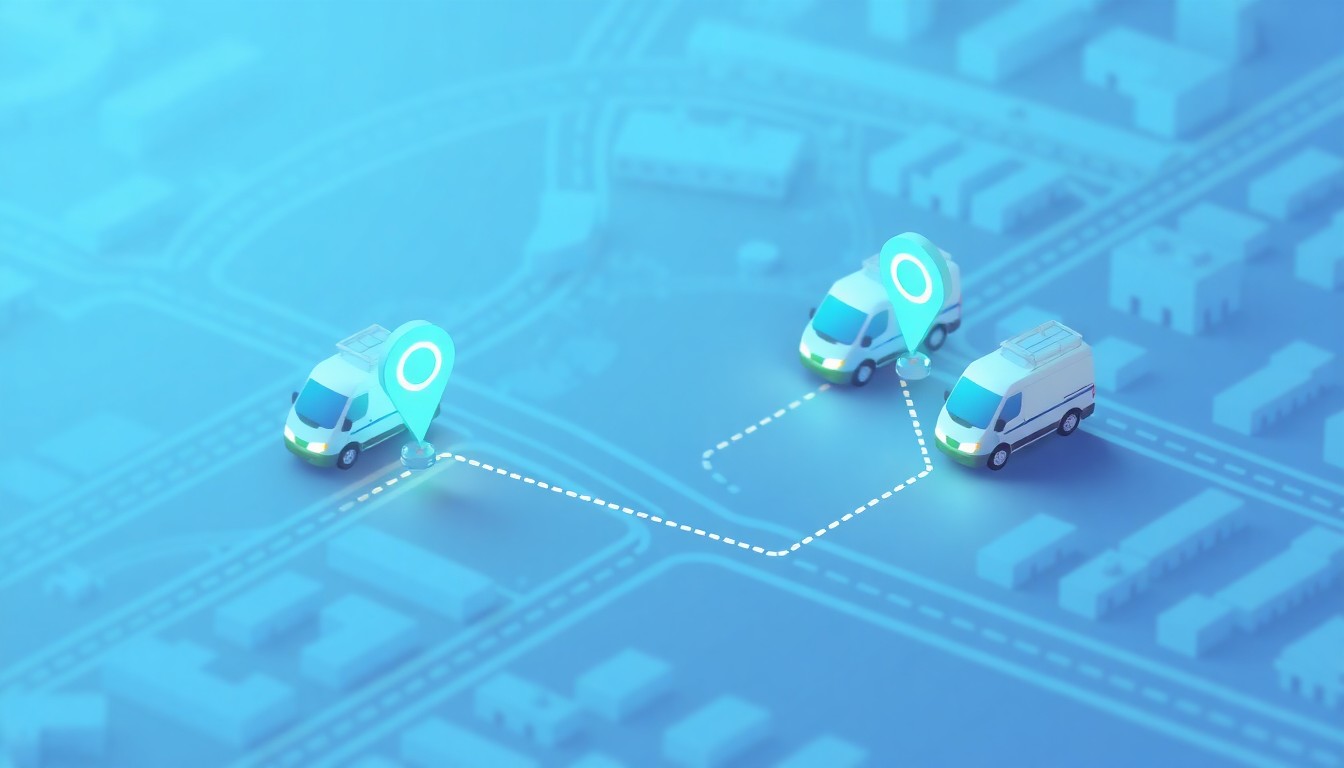
Depending on your setup, managers log into a web dashboard and see each team member represented as a map pin, color-coded by status—en route, on-site, or available. Clicking a pin typically reveals the current job details, time spent at the location, and the next scheduled appointment. When a new service request comes in, the dispatcher can identify the nearest available technician and assign the job with a tap, sending instant notification to the mobile device.
The mobile app, installed on each technician's phone or tablet, runs in the background and transmits location data securely to the cloud. Workers clock in and out of jobs within the app, and those timestamps are tied to GPS coordinates, creating an auditable trail of arrivals, departures, and drive time. This feature can be configured to support accurate payroll, mileage logs, and customer billing without manual timesheets or honor-system reporting.
Because GetTimePad is cloud-based, there's no server to maintain, and updates roll out automatically. You access the same live data whether you're in the office, at home, or troubleshooting from your phone at a job site. Explore GetTimePad's scheduling features to see how dispatch and GPS tracking work together.
Key Features to Look For in Field Service Software with Live GPS Tracking
Not all GPS tracking tools are built for field service. Fleet telematics track vehicles; field service software tracks workers, jobs, and customer interactions. When evaluating platforms, prioritize these capabilities:
- Real-time map view with job context: See not just where a technician is, but which job they're working, how long they've been there, and what's next on the schedule.
- Automatic mileage and time logging: GPS timestamps at job start and finish eliminate manual entry and provide defensible records for billing, payroll, and tax deductions.
- Proximity-based dispatch: Filter available workers by distance to a new job address, reducing drive time and fuel costs while improving response speed.
- Customer notifications: Automatically send "on my way" or "arriving soon" alerts with live ETAs, so customers don't have to call asking for updates.
- Historical route playback: Review where a team member traveled on a given day to verify job completion, investigate customer disputes, or optimize routes over time.
- Geofencing and arrival alerts: Set virtual boundaries around job sites so the system logs arrivals and departures automatically, even if a worker forgets to clock in.
- Mobile-first design: Technicians carry phones, not laptops. The app must be fast, offline-capable, and simple enough to use between jobs without training.
GetTimePad can be configured to support many of these features, depending on your subscription and setup. For businesses that also need payment or deposit collection, consider pairing GPS tracking with tools like field service scheduling software with deposit collection.
Who Benefits Most from GPS-Enabled Field Service Software
Field service software with live GPS tracking delivers the greatest return for businesses that send multiple workers to multiple locations every day. If your team works from a single fixed site, GPS tracking adds little value. But if your calendar looks like a puzzle of appointments scattered across a service area, real-time visibility becomes essential.
HVAC, plumbing, and electrical contractors benefit from faster emergency dispatch and accurate arrival windows. When a furnace fails at midnight, the ability to see which on-call technician is closest and send them directly saves an hour of phone tag and guesswork.
Landscaping and lawn care companies use GPS tracking to confirm crews visited every scheduled property, prevent route overlap, and provide proof of service when customers dispute completion. Route playback shows exactly when a team arrived, how long they stayed, and the path they took.
Cleaning services leverage GPS timestamps to verify arrival and departure at residential and commercial sites, supporting billing accuracy and worker accountability. For smaller operations, solo operator scheduling software can integrate GPS tracking even for one-person teams.
Pool maintenance, pest control, and appliance repair businesses rely on GPS data to optimize weekly routes, minimize windshield time, and maximize jobs per day. Over a month, shaving ten minutes of drive time per job can add five to ten additional billable appointments.
Property maintenance and handyman services use geofencing to automate check-ins at multi-property portfolios, ensuring workers complete all scheduled stops without manual reporting. Pairing GPS with property access gate codes and job notes ensures teams have everything they need before arriving.
If you dispatch more than one worker per day, or if customers frequently ask "Where is my technician?", field service software with live GPS tracking pays for itself in the first month.
GetTimePad vs the Alternatives: An Honest Comparison
The field service software market offers dozens of platforms, each with different strengths. Here's how GetTimePad compares to common alternatives, with honest assessments of where each excels.
GetTimePad is designed for small to mid-sized service businesses that want GPS tracking, scheduling, and dispatch in a single platform without enterprise overhead. The mobile app can be configured to track location in the background, log time on-site automatically, and sync job details in real time. Pricing and feature depth are tailored to teams of 1 to 30 workers, so you don't pay for unused enterprise modules. If you need a unified view of who's where and what's next—without a six-month implementation—GetTimePad fits. Compare GetTimePad to other platforms for a detailed breakdown.
Jobber offers strong invoicing and customer communication tools alongside GPS tracking, making it a good choice if billing and payment follow-up are top priorities. The platform is user-friendly but can feel feature-heavy for businesses that only need dispatch and tracking.
Housecall Pro integrates GPS, scheduling, and payment processing with a focus on home services like plumbing and HVAC. It's mobile-first and intuitive, though some users report higher per-technician costs as teams grow.
ServiceTitan is built for large residential service companies (10+ trucks) that need advanced analytics, call center integration, and multi-location management. It's powerful but complex, with setup timelines measured in weeks and pricing that reflects enterprise scope.
Zuper and FieldEdge target HVAC and MEP contractors with deep industry-specific features like equipment asset tracking and inventory management. If your business revolves around service contracts and parts inventory, these platforms add value; if you just need scheduling and GPS, they may be overkill.
No single platform wins every category. GetTimePad focuses on clarity, speed, and affordability for growing service businesses. If you need advanced integrations, custom reporting, or industry-specific compliance tools, evaluate whether those features justify higher complexity and cost.
Common Use Cases for Live GPS Tracking in Field Service
Live GPS tracking becomes part of daily operations in ways that aren't obvious until you use it. Here are scenarios where real-time location data changes how work gets done.
Emergency dispatch and overflow jobs: A water heater floods a basement at 3 PM, and the customer needs help immediately. Instead of calling each technician to ask their location, the dispatcher opens the map, sees who's finishing a job two miles away, and assigns the emergency. Response time drops from 90 minutes to 30.
Proof of service and dispute resolution: A customer claims a lawn crew never showed up. The manager pulls GPS history, confirms the crew arrived at 9:14 AM and departed at 10:02 AM, and shares the timestamped map with the customer. Dispute resolved in two minutes, payment confirmed.
Route optimization and territory planning: Over two weeks, a manager reviews historical GPS tracks and notices that one technician drives 40 miles between morning and afternoon jobs while another stays within a five-mile radius. Reassigning territories cuts weekly mileage by 200 miles, saving fuel and adding time for one extra job per week.
Customer arrival notifications: GetTimePad can be configured to send automatic "on my way" alerts when a technician leaves the previous job and is en route. Customers receive a text with an updated ETA, eliminating "where are you?" calls and improving perceived service quality.
Mileage logging for tax deductions: GPS-tracked routes generate automatic mileage logs for every job, meeting IRS requirements for business use documentation. At tax time, you export a full year of mileage data instead of reconstructing trips from memory and receipts.
Safety and lone worker monitoring: When technicians work alone in remote areas or after hours, live GPS provides a safety layer. If someone stops responding or doesn't check out of a job, the office can see their last known location and respond quickly.
For businesses exploring GPS fleet tracking, GPS fleet tracking for small service businesses offers additional use cases and implementation advice.
Getting Started with GetTimePad
Implementing field service software with live GPS tracking doesn't require an IT team. With GetTimePad, setup is configuration, not an implementation project.
First, create your account and add your team members in the web dashboard. Each worker receives login credentials for the mobile app, which they install on their phone or tablet. The app requests location permissions, and once granted, begins transmitting GPS data whenever the worker is clocked in or en route to a job.
Next, import or create your customer list and job schedule. GetTimePad can be configured to sync with existing calendars or spreadsheets, depending on your setup, so you don't rebuild schedules from scratch. Assign jobs to workers, and those appointments appear instantly in their mobile app with addresses, customer details, and any special instructions.
As workers move through the day, the dashboard map updates in real time. Managers dispatch new jobs, monitor arrival and departure times, and communicate with the team through the platform. At the end of the day, timesheet and mileage data are ready for review without manual entry.
For specialized industries like garage door repair or refrigeration, explore industry-specific guides such as garage door service software or commercial refrigeration scheduling software.
Book a demo to see GetTimePad's GPS tracking and dispatch features in action, or start a trial to test the platform with your own team.
FAQ
What is field service software with live GPS tracking?
Field service software with live GPS tracking combines scheduling, dispatch, and real-time location monitoring in one platform. It shows where mobile workers are on a map, updated continuously as they travel between jobs.
How accurate is GPS tracking in field service apps?
GPS accuracy typically ranges from 10 to 30 feet under open sky, sufficient to confirm job site arrivals and departures. Accuracy may decrease in dense urban areas or indoors.
Does GPS tracking drain phone batteries?
Modern field service apps use background location services that balance accuracy and battery life. Expect some battery drain over a full workday.
Can I see historical routes and job visits?
Yes, GetTimePad can be configured to store GPS history, allowing managers to review past routes, verify job completion, and analyze drive patterns over time.
How much does GetTimePad cost?
GetTimePad publishes its prices: $79/mo Starter (1 staff), $199/mo Pro (up to 5 staff) and $499/mo Agency (unlimited staff), with a 14-day free trial and two months free on annual billing. Live GPS tracking is on Pro and Agency.
Do workers need internet access for GPS tracking?
The mobile app requires intermittent internet connectivity to transmit location data. If a worker loses signal, location updates queue and sync automatically when connectivity returns.
Is GPS tracking legal for employees?
GPS tracking of employees during work hours is generally legal in the United States when workers are notified and tracking is limited to business purposes. Consult local labor regulations for specific requirements.
Start Seeing Your Team in Real Time
Field service software with live GPS tracking transforms guesswork into clarity. When you know where every team member is, you dispatch smarter, answer customers confidently, and eliminate the friction that slows daily operations. GetTimePad is designed to bring that visibility to service businesses of any size, without complexity or enterprise overhead.
Whether you run a two-person plumbing company or a fifteen-truck landscaping crew, real-time location data helps you do more with the same team. Stop interrupting workers with status calls. Stop guessing who's closest to a new job. Stop apologizing to customers when you can't provide an accurate arrival time.
Get started with GetTimePad today and see your field operations with the clarity you've been missing. Book a demo, explore the platform, and start tracking.
Related articles

Junk Removal Scheduling Software: The 2026 Buyer's Guide
2026 guide to junk removal software: volume-based quoting, same-day dispatch, route density, deposits, GPS crew tracking, and online booking.
Read article →

Roofing Scheduling Software: The 2026 Dispatch & Crew Guide
2026 guide to roofing scheduling software: dispatch crews, reschedule around weather, collect deposits, and route reviews from one calendar.
Read article →
GPS Fleet Tracking for Small Service Businesses in 2026
2026 guide to GPS fleet tracking for small service businesses: live tech maps, traffic-aware ETAs, dispatch, accountability, and FSM-bundled tracking.
Read article →